
Video indirme eklentisi olarak SaveClipX neden en iyisi olabilir
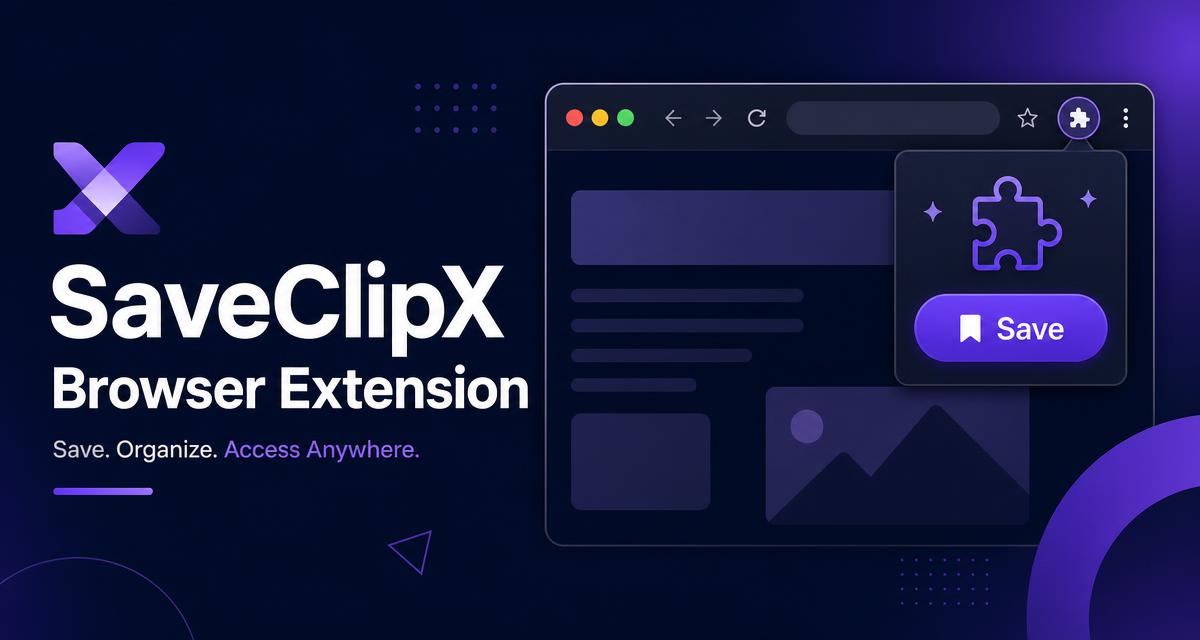
Çoğu indirme eklentisi tek iş yapar, bağlantıyı kopyalar ve size bir dosya verir. Bu eklenti sayfanın içinde yaşar ve bütün araç çantasını yanında taşır.
Çoğu indirme eklentisinin sorunu
Alışıldık yol yorucudur. Adresi kopyalarsınız, yeni sekme açarsınız, yapıştırırsınız, bir iki yönlendirme beklersiniz, bir reklamdan kaçarsınız ve sonunda istediğiniz kalitede olup olmadığı belirsiz bir dosya alırsınız.
Birçok eklenti ayrıca gezdiğiniz sayfalara reklam yerleştirir, hesap açmanızı ister veya her küçük görselin üstüne üç düğme dizerek akışı okunmaz hale getirir.
İyi bir eklenti siz isteyene kadar görünmez olmalı, istediğiniz anda da sizi başka yere göndermeden işin tamamını bitirmelidir.
Zaten açık olan sayfadan indirir
Gönderilerin, akışların ve Reels videolarının üzerinde bir Kaydet düğmesi durur, yani kopyalanacak ve yapıştırılacak hiçbir şey yoktur. Her gerçek medya için tek düğme çıkar, yığın çıkmaz, alınacak bir şeyin olmadığı profil sayfalarında ve boş ekranlarda sessiz kalır.
Özel sayfası olmayan bir sitede, gerçek bir video oynadığı anda yüzen bir düğme belirir, böylece eklenti desteklenen on altı platformun dışında da işinize yarar.
Sağ tık menüsünde SaveClipX ile kaydet seçeneği vardır, Alt+S ise fareye dokunmadan oynayan videoyu kaydeder.
Kalite ve ses seçimi aynı düğmede
Aynı düğme bir kalite listesi açar: en iyi mevcut, 4K 2160p, 1080p, 720p ve 480p, en yüksekten başlayarak sıralanır. Seçtiğiniz kalite bir sonraki sefere varsayılan olur, yani alışkanlığınızı bir kez kurarsınız.
Görüntü değil ses istediğinizde sadece MP3 aynı menüden alınır, sitedeki MP4 to MP3 dönüştürücünün yaptığı işin aynısı.
Sekmeden çıkmadan otomatik seslendirme, altyazı ve deşifre
Otomatik seslendirme yerinde çalışır. Pidgin ve kreol diller dahil 190 üzeri dil arasından seçersiniz, izlediğiniz video sayfadaki bir panelde o dili konuşmaya başlar. Aynı motor video çeviri aracını da çalıştırır.
Altyazılar SRT olarak dışa aktarılır, ya da klip doğrudan deşifre aracına hazır şekilde aktarılır, düz metin, SRT ve VTT için 75 dil vardır.
Diğer indirme eklentilerinde olmayan kısım tam da budur. Onlar dosyada durur. Bu eklenti dilin içine doğru devam eder.
Tarayıcınızdan toplantı notları
Konuşmayı yazıya çevirme araç sırasında durur. Mikrofonunuz ile sekme sesi birlikte karıştırılır, anlık olarak yazılır, sonra düzenli notlara, ana başlıklara, alınan kararlara ve yapılacak işlere dönüştürülür.
Oturumlar yedi gün cihazınızda kalır ve sonra kendiliğinden silinir, yani bir görüşme kaydı asla başkasının sunucusunda durmaz.
Tek bir dosyadan fazlası için kurulmuş
Siz kaydırmaya devam ederken bir kuyruk toplu indirmeleri biriktirir. Bu sayfayı tara düğmesi ekrandaki her videoyu bulur ve tek tıkla hepsini toplu indiriciye verir.
Geçmiş aranabilir ve Yeniden kaydet düğmesi taşır, yalnızca cihazınızda tutulur, yani kaydettikleriniz başka hiçbir yere işlenmez.
Araç çantasının geri kalanı tek tık uzakta
Kısayollar deşifre aracını, MP3 dönüştürücüyü, sıkıştırıcıyı, dönüştürücüyü, filigran silmeyi ve toplu indiriciyi klip yüklü halde açar.
Ücretsiz, sayfalara reklam enjekte edilmez, hesap istenmez ve hiçbir şey kurmak istemiyorsanız site kendi başına eksiksizdir.
Sitenin yanında yaptığı her şey
Tek kutuda on altı platformdan indirme: TikTok, Instagram, Facebook, X, Threads, Reddit, Pinterest, Vimeo, Rumble, LinkedIn, Snapchat, Tumblr, Dailymotion, Douyin ve Bilibili.
Çoğu aracın atladığı Instagram ekstraları: hikayeler ve öne çıkanlar, profil fotoğrafları, gizli hikaye izleyici ve ücretsiz hikaye aracı.
MOV to MP4, videodan GIF ve her sayfanın altı dilde tam sürümü.
Aktarım sırasında bizim tarafımızda diske hiçbir şey yazılmaz, gizlilik sayfamız nelerin tutulduğunu açıkça anlatır.