
Facebook video downloader HD
Use this HD Facebook video downloader on any public link: a feed video, a reel, a watch page, or something shared inside a public group. Facebook keeps a full resolution file alongside a lighter SD version, and both appear when they exist, so you can download Facebook video in HD when sharpness matters or take the smaller copy on mobile data. Free Facebook download HD in MP4, FB reels included, straight in your browser with no app to install.
Why people use it
Files stream straight to your device. We keep no copy of the video or the link.
No sign up, no email, no tracking pixel. Paste a link and save the file.
Every tool on the site is free to use, with no daily download cap.
We pick the highest stream the source offers, up to 4K where it exists.
One paste, one click. No queues, no waiting rooms, no forced ads between steps.
Runs in any modern browser on phone, tablet and desktop. Nothing to install.
How to save a video from Facebook
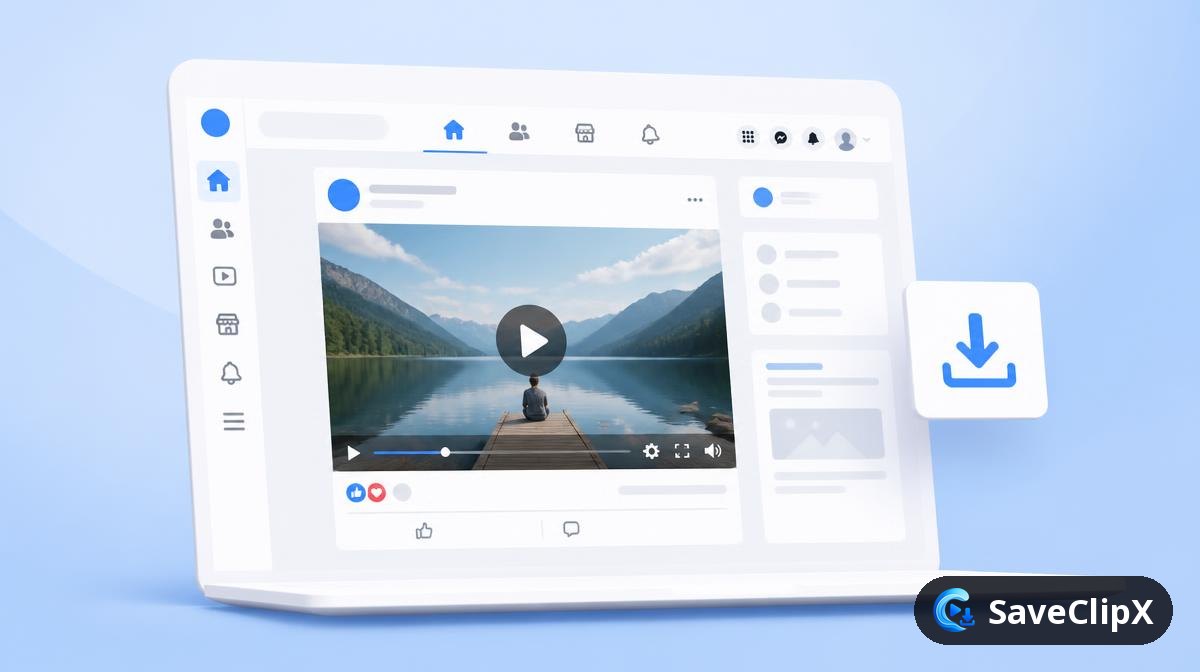
Open the video, click the share arrow and choose Copy link. In the mobile app tap the three dots, then Copy link.
Paste the link into the box above and press Download.
Pick HD for the sharpest file, or SD to save data. Use the Audio tab for MP3.
What you get
- MP4 HD, 1080p where Facebook has it
- MP4 SD, smaller file for mobile data
- MP3 audio only
- Cover image
What quality Facebook actually serves
Facebook keeps an HD and an SD rendition of nearly every video and picks between them based on your connection. We list both so you can choose file size over sharpness when you are on mobile data.
| Format | What to expect |
|---|---|
| HD MP4, 720p or 1080p | The full rendition, roughly 30 to 60MB for five minutes. |
| SD MP4, 360p or 480p | Around a quarter of the size, fine for reference clips. |
| Reels MP4 | Vertical 1080x1920 when the creator uploaded at that size. |
| MP3 audio | Handy for lectures, sermons and long live replays. |
Facebook on mobile versus desktop
On your phone
- 1.Tap the three dots on the post, then Copy link. In the Watch tab use the share arrow.
- 2.Paste into the box above in your browser.
- 3.Choose HD unless you are on limited data, then take SD.
On a computer
- 1.Right click the video and choose Show video URL, or copy the permalink from the timestamp.
- 2.Paste it above and press Download.
- 3.If the link contains a group or page ID, it still resolves as long as the post is public.
Why a Facebook download sometimes fails
The video is in a private group and will not resolve
Group and friends only posts need a session cookie. Only content that loads in a logged out browser can be fetched.
A live replay stops partway
Facebook stitches live broadcasts from segments and the manifest can still be assembling. Wait until the replay shows a fixed duration, then try again.
Only SD is offered
That upload never had an HD rendition, usually because it was posted from an older phone or reshared through Messenger.
Good to know before you save from Facebook
Public posts only, and that includes Pages and Groups
Videos from public Pages, public profiles and public Groups all save. A post shared to Friends, or inside a private Group, stays behind Facebook's login and cannot be read.
View Facebook storiesHD and SD are two separate files
Facebook often keeps a high definition and a standard definition version of an upload. We list every version Facebook offers, so pick SD on slow mobile data and HD when you want the sharpest copy.
Compress a large videofb.watch and share links work as they are
Short fb.watch links and the newer facebook.com/share links are expanded automatically. You do not need to open them first to find the long address.
Turn a Facebook video into textFacebook Frequently asked questions
Why do some links fail?
Videos in private groups or on friends only profiles are not public, so the link cannot be opened without a session.
What is the difference between HD and SD?
HD is the full resolution upload, SD is a lighter re-encode. Pick SD on slow connections.
Why is there no HD option on some videos?
Only the qualities Facebook actually holds are offered. If the uploader posted an SD file, or the clip is an old upload, there is no HD copy to download and SD is the best available.
Does the HD download lose quality?
No. The HD file is copied exactly as Facebook stores it, with no re-encoding, so it is the same picture the player shows at full screen.
Do Facebook reels work?
Yes, reel links resolve the same way as normal video links.
Can I save a live broadcast?
Only after it has ended and Facebook has published the replay.
Is it free?
Yes, there is no account and no payment step.
Where does the file go on my phone?
Into your browser downloads folder, which on Android is usually Downloads and on iPhone is Files.
Do Facebook reels work the same as feed videos?
Yes. Reel links resolve through the same route and normally return a single vertical MP4.
Can I save a video from a page I do not follow?
Yes, as long as the page post is public. Following has no effect on what can be fetched.