
Snapchat video downloader
This Snapchat Spotlight downloader reaches the public side of Snapchat: Spotlight clips and public profile stories, the ones that open in a browser with no app installed. Private snaps sent to you are another matter and stay deliberately out of reach, so a screen recording remains the only route there, with all the etiquette that implies. Free Snapchat video download in MP4, Spotlight video download without screen recording.
Why people use it
Files stream straight to your device. We keep no copy of the video or the link.
No sign up, no email, no tracking pixel. Paste a link and save the file.
Every tool on the site is free to use, with no daily download cap.
We pick the highest stream the source offers, up to 4K where it exists.
One paste, one click. No queues, no waiting rooms, no forced ads between steps.
Runs in any modern browser on phone, tablet and desktop. Nothing to install.
How to save a video from Snapchat
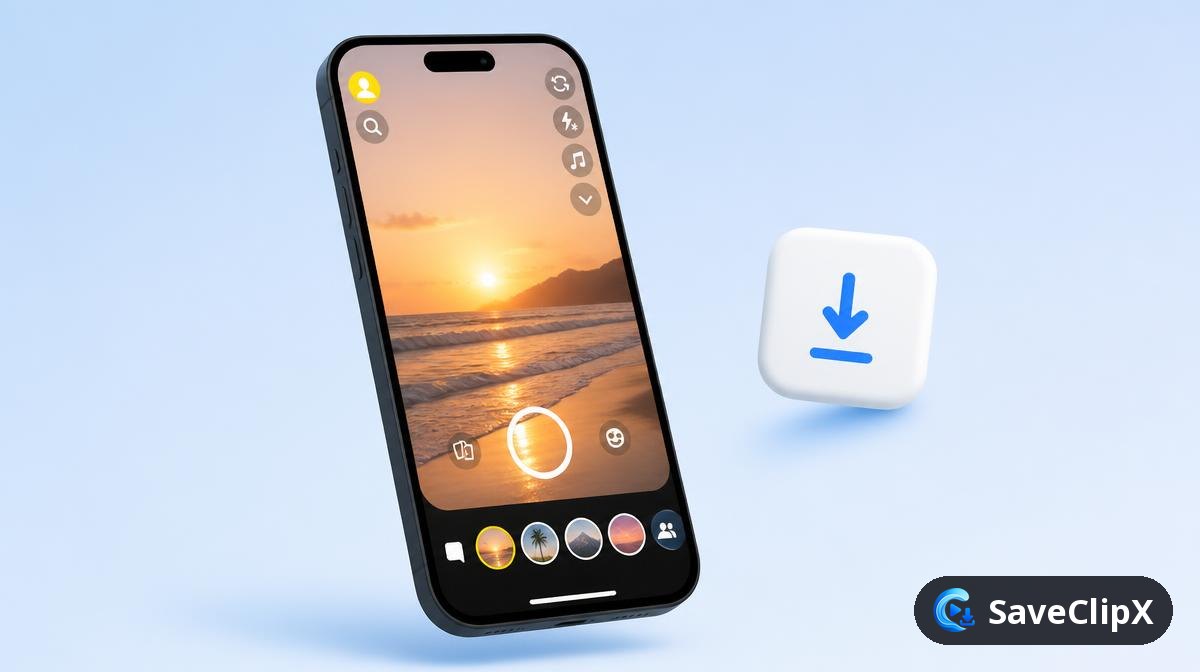
Open the Spotlight clip, tap the share arrow, then Copy link.
Paste it into the box above and press Download.
Pick the MP4, or the audio only file.
What you get
- MP4 video
- MP3 audio only
- JPG cover image
What quality Snapchat actually serves
Only public Snapchat surfaces exist as fetchable media: Spotlight clips and public Stories from creator profiles. Anything sent between friends never leaves the encrypted app path.
| Format | What to expect |
|---|---|
| Spotlight MP4, 1080x1920 | Vertical, short, typically under 15MB. |
| Public story MP4 | Each snap in the story resolves as its own short file. |
| MP3 audio | When the snap carries a sound track. |
| Cover JPG | The first frame of the snap. |
Snapchat on mobile versus desktop
On your phone
- 1.Open the Spotlight clip, tap the share arrow, then Copy link.
- 2.Paste it above in your browser.
- 3.Save the MP4. Public story snaps appear as a numbered list.
On a computer
- 1.Open snapchat.com/spotlight or a public profile, then copy the URL.
- 2.Paste it above and press Download.
- 3.Profile story links resolve while the story is still live.
Why a Snapchat download sometimes fails
A snap sent to me will not download
Private snaps are encrypted between accounts and expire on view. No link exists for them, so nothing can be fetched.
The story link expired
Public stories roll off after twenty four hours. Once the snap disappears from the profile, the media is gone.
Filters and lenses are stuck on the video
Snapchat renders those into the frame at capture time, so they are part of the picture, not a removable layer.
Good to know before you save from Snapchat
Spotlight and public Stories only
Spotlight videos and Stories from public profiles can be saved. Private Snaps sent to you in chat never leave the app and are not reachable by any website.
Download TikTok storiesPublic Stories disappear after a day
Just like the app, a public Story is gone after 24 hours. Save it while it still shows on the profile.
Instagram story downloaderLenses and text are part of the video
Filters, lenses and captions are recorded into a Snap when it is made. They stay in the saved file and cannot be removed.
Convert video to MP3Snapchat Frequently asked questions
Can I download a private snap someone sent me?
No. Only public Spotlight and public story content can be reached, and that is on purpose.
Will the sender be told?
Nothing is opened inside the app, so no screenshot alert is triggered. Public links carry no notification either.
Do public story links work?
Usually yes, while the story is still live. Snapchat expires them after twenty four hours.
Is the clip watermarked?
Spotlight files sometimes carry Snapchat branding from the creator's own export. Nothing is added or removed on our side.
Do I need the app installed?
No, it all happens in the browser.
Does it work on desktop?
Yes, paste the link from the Snapchat web player.
Will the creator know I saved their Spotlight?
No. Screenshot alerts apply to private chats, not to public Spotlight or story links opened elsewhere.
Do I need a Snapchat account?
No. Public Spotlight links open without one, and that is all this route needs.