
LinkedIn video downloader
A LinkedIn video downloader earns its place when a conference talk, a product demo or one of your own posts needs to live in a deck. Give it the address of a public post and the MP4 returns at upload quality, with an MP3 route when only the talk track matters. Clips from company pages and your own feed save free as MP4.
Why people use it
Files stream straight to your device. We keep no copy of the video or the link.
No sign up, no email, no tracking pixel. Paste a link and save the file.
Every tool on the site is free to use, with no daily download cap.
We pick the highest stream the source offers, up to 4K where it exists.
One paste, one click. No queues, no waiting rooms, no forced ads between steps.
Runs in any modern browser on phone, tablet and desktop. Nothing to install.
How to save a video from LinkedIn
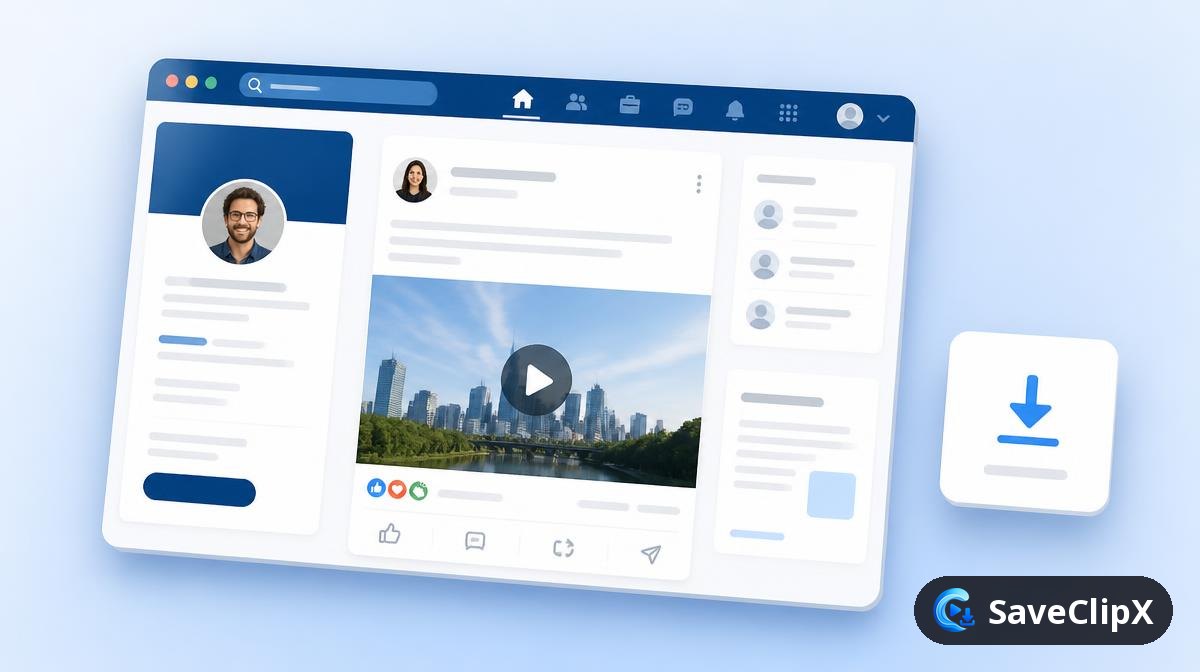
Click the three dots on the post and choose Copy link to post.
Paste it into the box above and press Download.
Pick the MP4, or the audio track if you only want the talk.
What you get
- MP4, original upload quality
- MP4 lighter version where offered
- MP3 audio only
What quality LinkedIn actually serves
LinkedIn keeps native uploads on its own CDN and treats embedded YouTube or Vimeo posts as links, not media. Native posts, company page videos and event replays each resolve differently.
| Format | What to expect |
|---|---|
| MP4 up to 1080p | Native uploads, generally clean audio because most are talking head clips. |
| MP4 720p | The fallback rendition for older or reshared posts. |
| MP3 audio | The practical option for long panel or webinar replays. |
| Cover JPG | The poster frame used in the feed. |
LinkedIn on mobile versus desktop
On your phone
- 1.Tap the three dots on the post, then Copy link to post.
- 2.Paste it above in your browser.
- 3.Choose MP3 if it is an hour long panel and you only need the talk.
On a computer
- 1.Copy the post URL containing /posts/ or /feed/update/.
- 2.Paste it above and press Download.
- 3.Company page posts work the same as personal ones.
Why a LinkedIn download sometimes fails
It says no media found
The post probably embeds a YouTube or Vimeo link rather than a native upload. Paste that underlying link instead.
A members only or event video fails
LinkedIn gates those behind a signed in registration, which a logged out fetch cannot pass.
The document carousel will not save
Slide carousels are PDFs, not video. They are outside what this downloader handles.
Good to know before you save from LinkedIn
Public posts and articles
Videos posted publicly by people and company pages save fine. Posts limited to connections are only visible when signed in, so they cannot be read.
Turn a video into textCopy the post link, not the feed
Use the three dots on the post, then Copy link to post. A link to your feed or someone's profile does not point to one video.
Slides and documents are not videos
Carousel style document posts on LinkedIn are PDFs, not video. Only posts that play as a video will give you an MP4.
Save many videos at onceLinkedIn Frequently asked questions
Do lnkd.in short links work?
Yes, the short link is followed to the real post first.
Can I save a video from a private company page or a group?
No. Anything that needs a signed in account cannot be reached.
Do LinkedIn Learning courses work?
No. Course material sits behind a paid subscription and is not touched.
Will the poster see that I saved it?
No. LinkedIn does not report link opens back to the author.
Can I download my own video back off LinkedIn?
Yes, as long as the post is public. This is the common case when the original file has been lost.
Is the LinkedIn downloader free for long webinars?
Yes. There is no length tier and no payment step, an hour long panel costs the same as a thirty second clip, nothing.
Will the poster see that I downloaded it?
No. Nothing counts as a view, reaction or impression on their analytics.
Can I get captions from a LinkedIn video?
Not directly. Save the MP4 and run it through the transcript generator to produce text or SRT.