
Threads video downloader
Threads gives you no save button, so a Threads video downloader is the difference between a keepsake and a screen recording. Give it a post address and the original upload returns at the quality Meta stored, video or photo, one post or a thread carrying several attachments. Videos save as MP4 and photos save too, free.
Why people use it
Files stream straight to your device. We keep no copy of the video or the link.
No sign up, no email, no tracking pixel. Paste a link and save the file.
Every tool on the site is free to use, with no daily download cap.
We pick the highest stream the source offers, up to 4K where it exists.
One paste, one click. No queues, no waiting rooms, no forced ads between steps.
Runs in any modern browser on phone, tablet and desktop. Nothing to install.
How to save a video from Threads
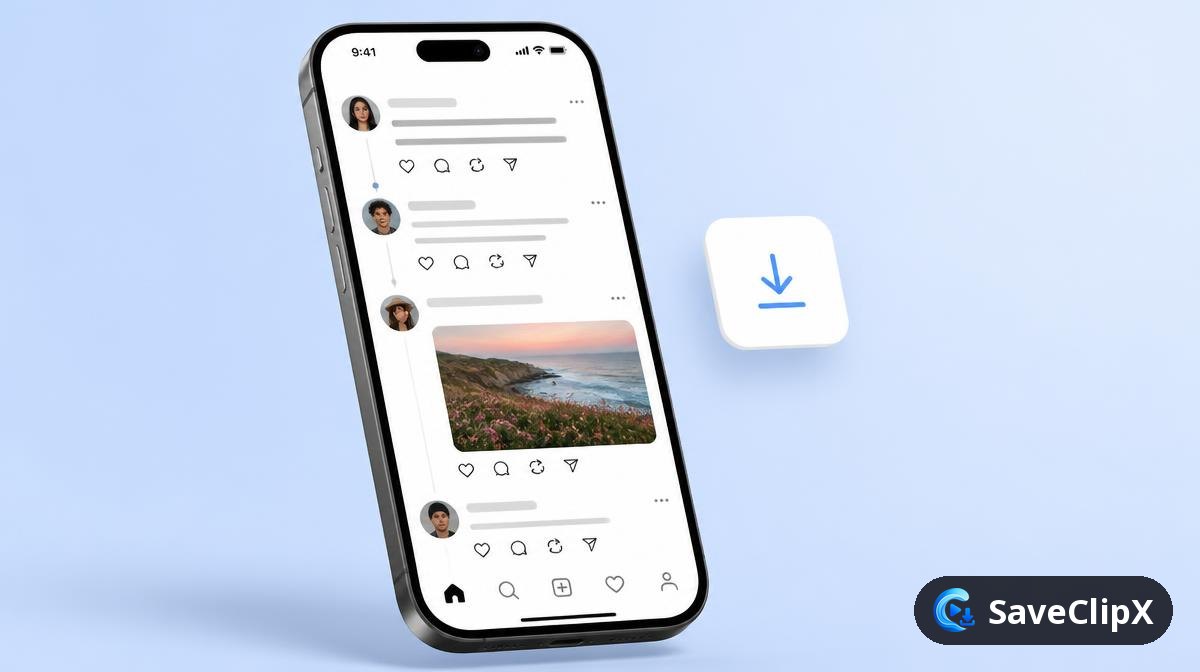
Tap the share icon under the post, then Copy link.
Paste it into the box above and press Download.
Pick the MP4, or the image if the post is a photo.
What you get
- MP4 video, original quality
- MP3 audio only
- JPG photo or cover
What quality Threads actually serves
Threads runs on Instagram's media infrastructure, so downloads behave like Instagram posts: the same transcoder, the same carousel handling, and the same rule that private accounts cannot be reached.
| Format | What to expect |
|---|---|
| MP4 up to 1080p | Feed video, usually a few megabytes for a short clip. |
| Carousel items | Each attachment in a multi media post lists separately. |
| MP3 audio | Pulled from the video track when one exists. |
| Original JPG | Full size images rather than the feed thumbnail. |
Threads on mobile versus desktop
On your phone
- 1.Tap the three dots on the thread, then Copy link.
- 2.Paste it above in your browser.
- 3.Pick the MP4, or a single attachment from a multi media post.
On a computer
- 1.Open threads.net, click the post so the URL contains /post/, then copy it.
- 2.Paste it above and press Download.
- 3.Reposts resolve to the original author's media.
Why a Threads download sometimes fails
A private profile link fails
Threads inherits the Instagram privacy model. If the profile is private, the media is unreachable without that account's session.
Only the first attachment appears
Reload the result. Threads occasionally returns a partial attachment list on the first pass.
The video looks soft
Threads uses the same aggressive transcoder as Instagram, so the stored file is already compressed.
Good to know before you save from Threads
Posts with several videos
A Threads post can hold more than one clip or photo. Each one is listed on its own, in the same order as the post.
Save many videos at oncethreads.com and threads.net links
Threads moved from threads.net to threads.com. Both addresses work, and so do the short share links copied from the app.
Videos crossposted from Instagram
A clip shared to Threads from Instagram is usually the same file. If a Threads link fails, the Instagram link to the same reel is a good second try.
Download from InstagramThreads Frequently asked questions
Do threads.net and threads.com links both work?
Yes. Meta serves the same post under both addresses and either one resolves.
Can I download from a private profile?
No. Only posts that open without logging in can be reached.
Does the poster find out?
No notification is sent. Threads does not tell anyone when a post link is opened elsewhere.
What about a post with several videos?
Each attachment appears as its own download button in the results.
Is a Threads account needed?
No, and nothing is ever connected to your account.
Why is my saved clip softer than the app?
Meta compresses uploads on its side. The best file it serves is handed over as is, detail cannot be added back.
Does the poster get notified?
No. Nothing is sent to the author and no interaction is recorded on the post.
Can I save a thread from someone I do not follow?
Yes, as long as their profile is public.