
Rumble video downloader
Rumble hands out an embed rather than a file, which is why a Rumble video downloader is needed at all for a long interview or a livestream replay. Give it the video address and every resolution Rumble publishes appears as a plain button, size included. Free Rumble video download in MP4 HD, with Rumble MP3 for audio only.
Why people use it
Files stream straight to your device. We keep no copy of the video or the link.
No sign up, no email, no tracking pixel. Paste a link and save the file.
Every tool on the site is free to use, with no daily download cap.
We pick the highest stream the source offers, up to 4K where it exists.
One paste, one click. No queues, no waiting rooms, no forced ads between steps.
Runs in any modern browser on phone, tablet and desktop. Nothing to install.
How to save a video from Rumble
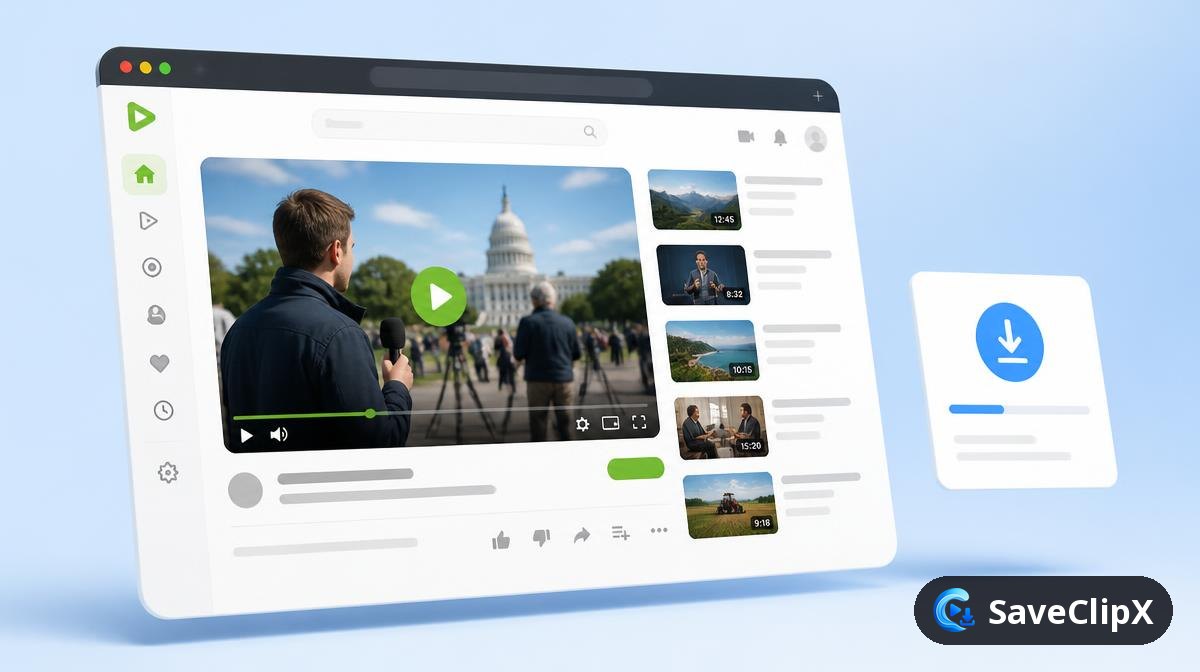
Copy the video address from the browser bar, or use Share then Copy link.
Paste it into the box above and press Download.
Choose a resolution, or take the MP3 if you only want the audio.
What you get
- MP4 1080p where available
- MP4 720p and 480p
- MP3 audio only
- Cover image
What quality Rumble actually serves
Rumble publishes a plain MP4 ladder rather than a segmented stream, which makes it one of the most reliable platforms here. Long form uploads dominate, so file sizes run large.
| Format | What to expect |
|---|---|
| MP4 1080p | The common top rung, roughly 500MB for an hour of talk content. |
| MP4 720p and 480p | Noticeably smaller, sensible for long interviews. |
| MP3 audio | The best option for multi hour shows. |
| Thumbnail JPG | The uploader's cover image at full size. |
Rumble on mobile versus desktop
On your phone
- 1.Tap Share under the video, then Copy link.
- 2.Paste it above in your browser.
- 3.For anything over an hour, choose MP3 or 480p to keep the file manageable.
On a computer
- 1.Copy the URL from the address bar, including the video identifier.
- 2.Paste it above and press Download.
- 3.Embedded Rumble players link back to the canonical page, use that link.
Why a Rumble download sometimes fails
A live stream will not resolve
Streams in progress have no finished file. Wait for the replay to publish, then the quality ladder appears.
The download stalls near the end
Long uploads are large. A stall is usually the connection dropping, and restarting the download resumes from the source cleanly.
A subscriber only video fails
Rumble locks those behind a paid account, which a logged out fetch cannot pass.
Rumble Frequently asked questions
Do livestream replays work?
Yes, once the stream has ended and Rumble has published the recording.
Are long videos supported?
Yes. The file streams straight through, so a two hour interview is no different from a two minute clip, it just takes longer to arrive.
Can I take the audio for a podcast feed?
An MP3 option appears when the audio can be split out, which suits interview content well.
Do embedded Rumble players on other sites work?
Use the address of the video on rumble.com itself rather than the page it is embedded in.
Is a Rumble account needed?
No account, no extension, no payment.
Why is 1080p missing on some videos?
Only the resolutions the uploader actually published are offered. Older uploads are often capped at 720p.
Are Rumble downloads slower than other sites?
Not per megabyte, but the files are bigger. A two hour show is simply a lot more data than a TikTok.
Can I get a transcript from a long show?
Yes. Save the MP3 and run it through the transcript generator, which handles long recordings in chunks.